Follow the below steps to enter ineligible participants into a session on the meet:
- On Swim Manager Home page, scroll down to the Your Meets section and select desired meet
- Click on Actions drop down menu
- Click Attendance Status
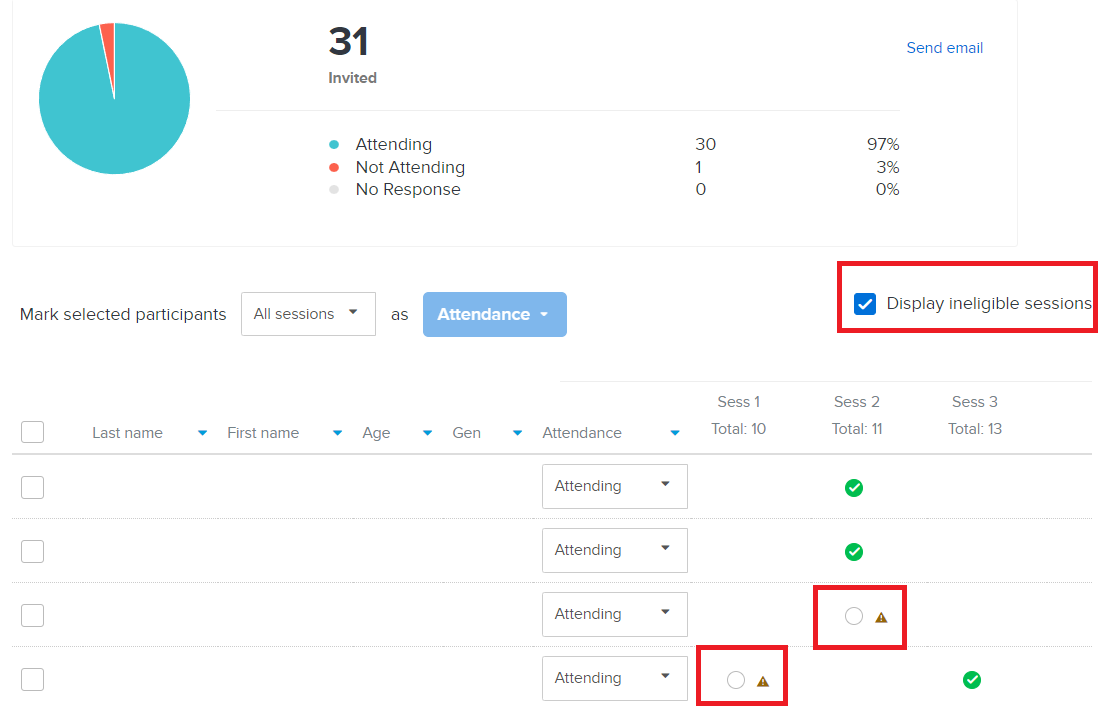
- Check the Display ineligible sessions box
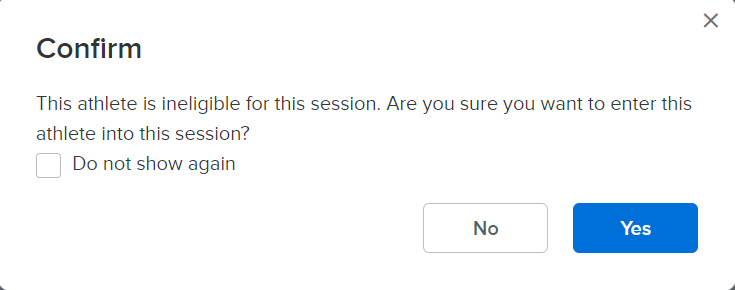
- Tick the box
for ineligible participants you want to enter and click Yes to confirm
- Notes: Bulk change to the attendance statuses of ineligible participants is not supported.